 IDM Heatpump Client
Live dashboard
See temperatures, heat output, electrical input and COP at a glance. The hydraulic diagram and system status put readings in context.
IDM Heatpump Client by Xerolux
For heat pump owners, heating contractors, installers and service technicians who optimize iDM systems, troubleshoot faults or document system conditions. Read live values on the local network and compare readings before and after an adjustment.
v0.4.1 · Windows · Linux · macOS · MIT
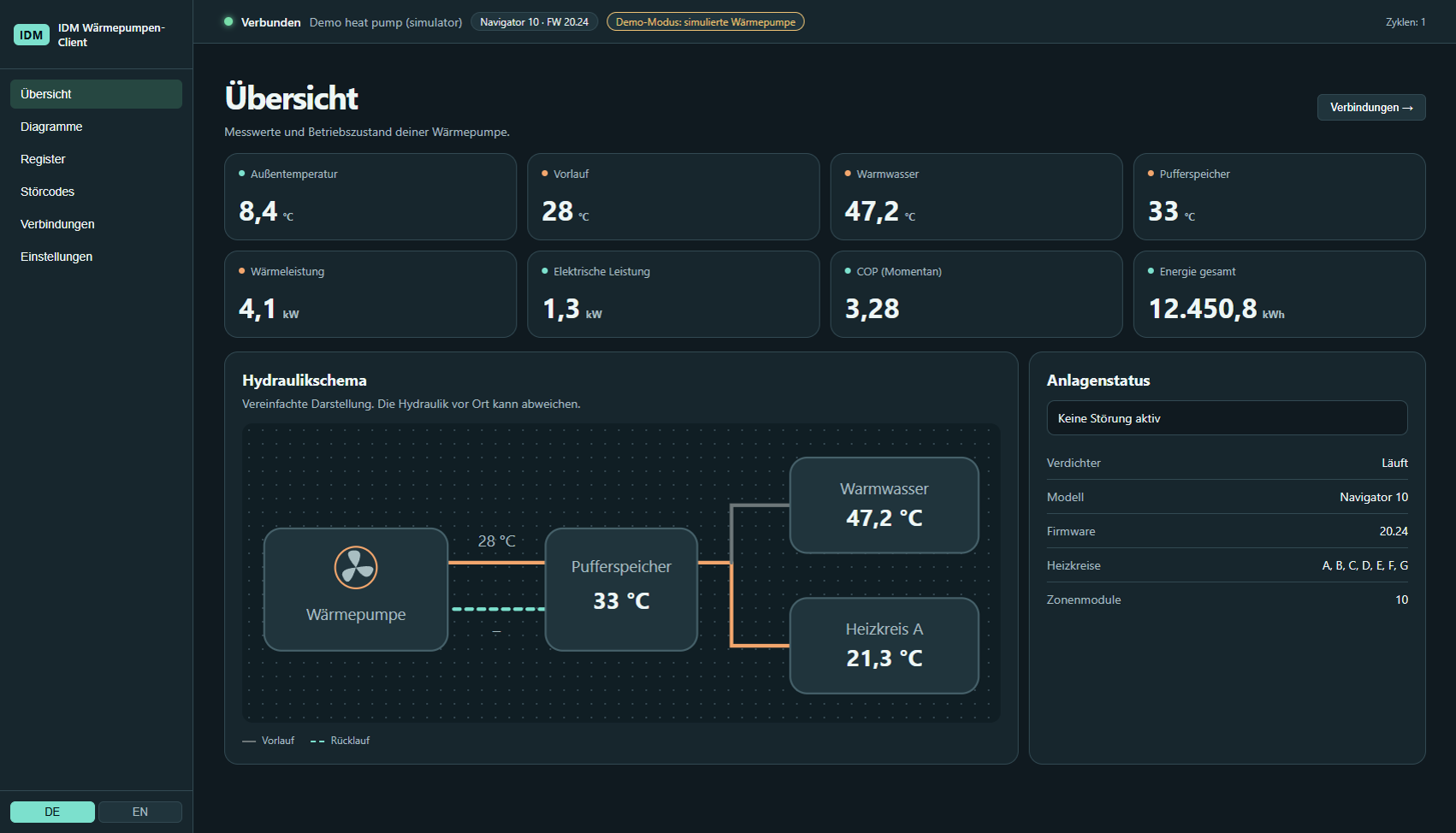
See temperatures, heat output, electrical input and COP at a glance. The hydraulic diagram and system status put readings in context.
Choose series and a time range per installation. Group readings by unit and check minimum, maximum, average and individual timestamps.
Look up fault codes, inspect Modbus registers and document readings with CSV exports or A4 reports when licensed. Record relevant controller settings before changes and back up client preferences and connection profiles separately.
Starting with v0.4.1, your license tier appears in the upper-right corner. Select it to open activation. If Xerolux has issued you a 32-character activation code, enter it with the associated email address. The eight-digit code sent to your inbox confirms that address. A code covers one desktop installation and one major version. The client checks your license daily. Offline activation lasts up to 72 hours and never past the end of a trial.
Live overview for one heat pump and a one-time chart demo for up to 30 minutes. Start the demo online.
Charts and CSV export for one heat pump.
Standard plus watermark-free PDF export and printing for one heat pump.
Pro plus additional licensed heat-pump slots. The client connects to the selected heat pump.
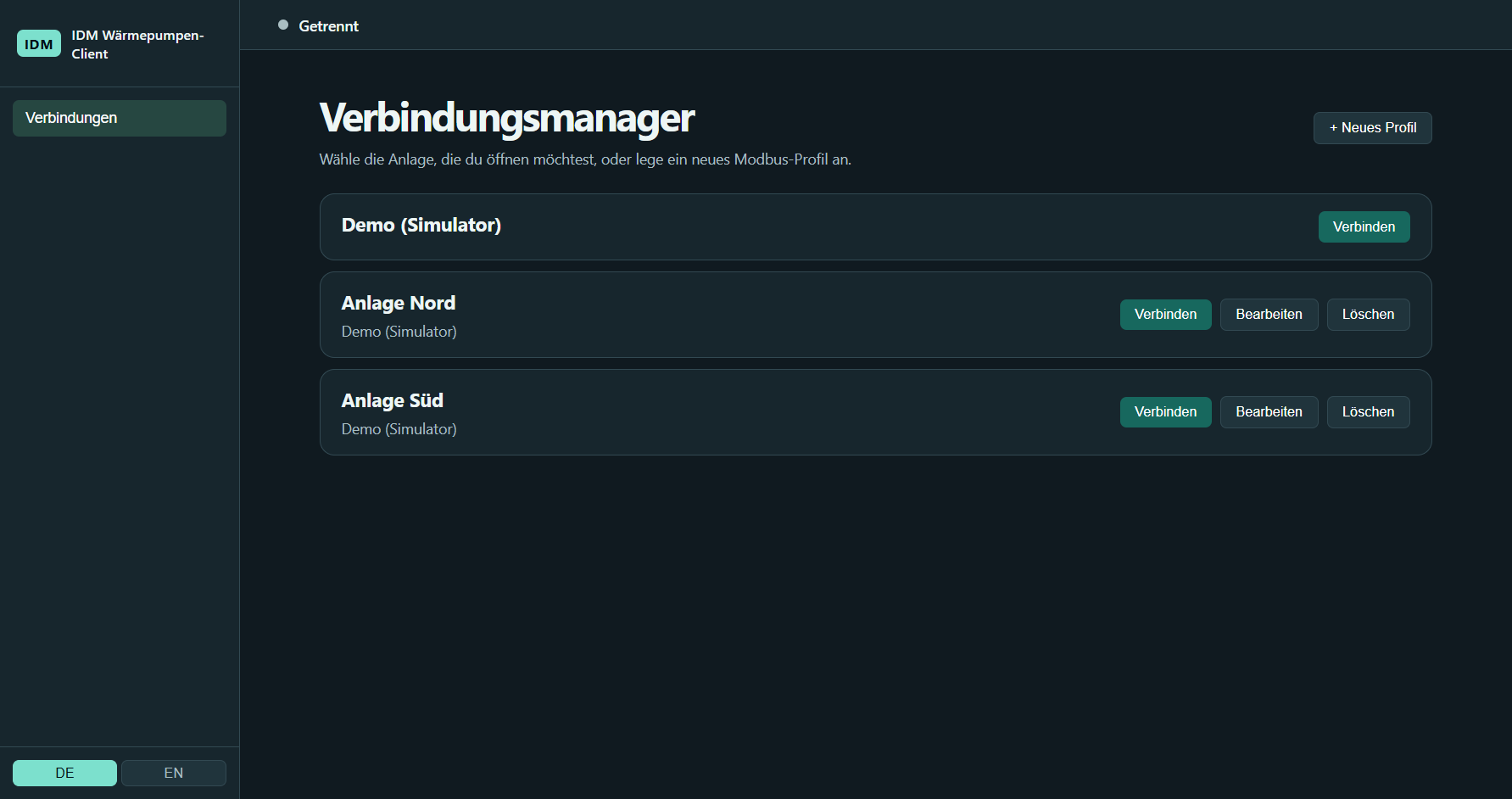
Supports iDM Navigator 2.0, Pro and 10. Available readings depend on the controller and installation.
The community edition is free and available under the MIT license.
64-bit · Installer with uninstaller. Starting with v0.3.3, fresh installations show the MIT license. Select I Agree to continue.
64-bit · AppImage or DEB
Apple Silicon · DMG
Starting with v0.3.2, available updates open a startup dialog with the changelog, Update now and Later. In v0.3.1, use Updates in the title bar.
Modbus access requires a network connection to the Navigator. A Home Assistant server or iDM cloud account is optional.
Yes. Choose the Demo (simulator) profile on startup to explore charts, registers and reports.
It uses Modbus TCP on your local network. The default port is 502. Supported registers can also be written from the register browser. Use Dry run to validate an input.
Save several connection profiles and switch between them. The selected installation determines the current readings and session history.